
How AI Document Capture Solution Work for Business Documents
Most business documents contain important data, but they are not always easy to process. Files may come as PDFs, scanned forms, images, handwritten notes, tables, or mixed layouts.
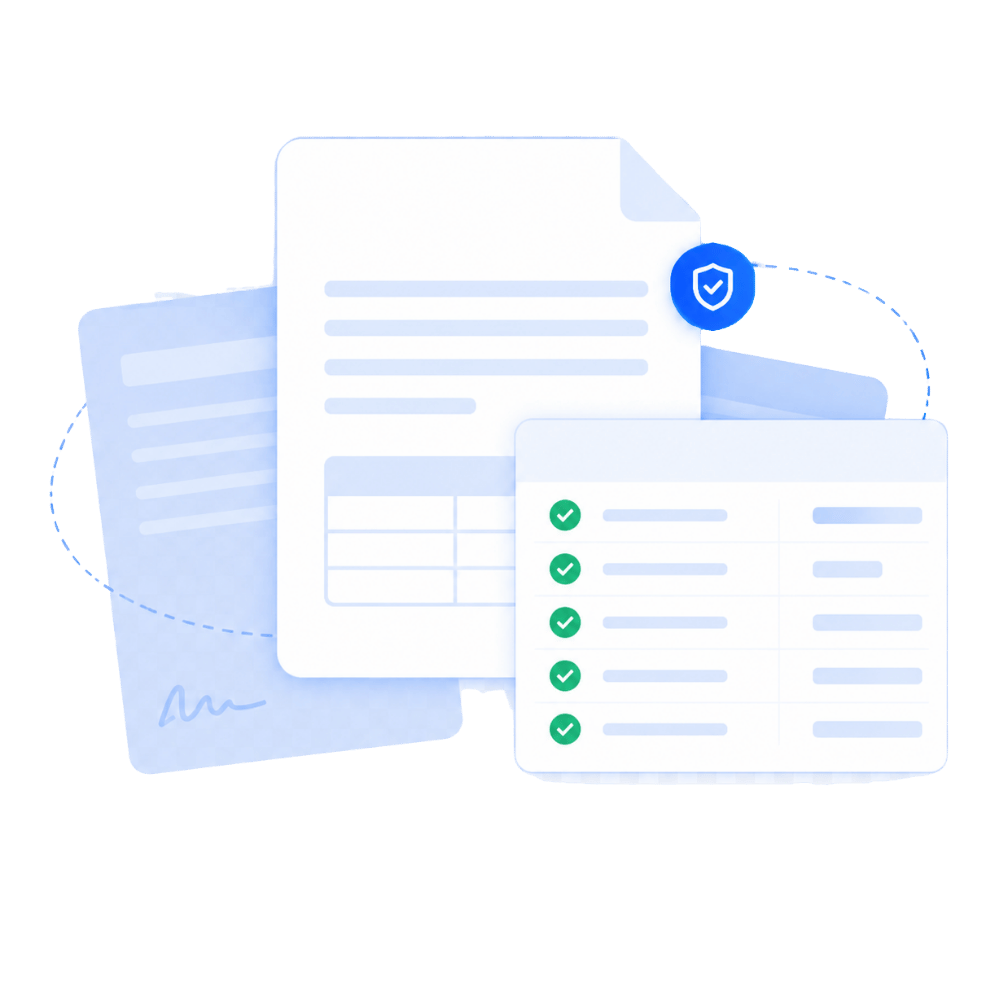
AYAVE.AI uses AI document capture to read these files, identify key fields, extract the data, and prepare it for review. If a field is unclear or low-confidence, it can be flagged for human checking before the data is approved and sent into your systems.
Capture data from ACORD forms, PDFs, scans, and business documents.
From Document Upload to System-Ready Data
What Happens After You Upload a Document?
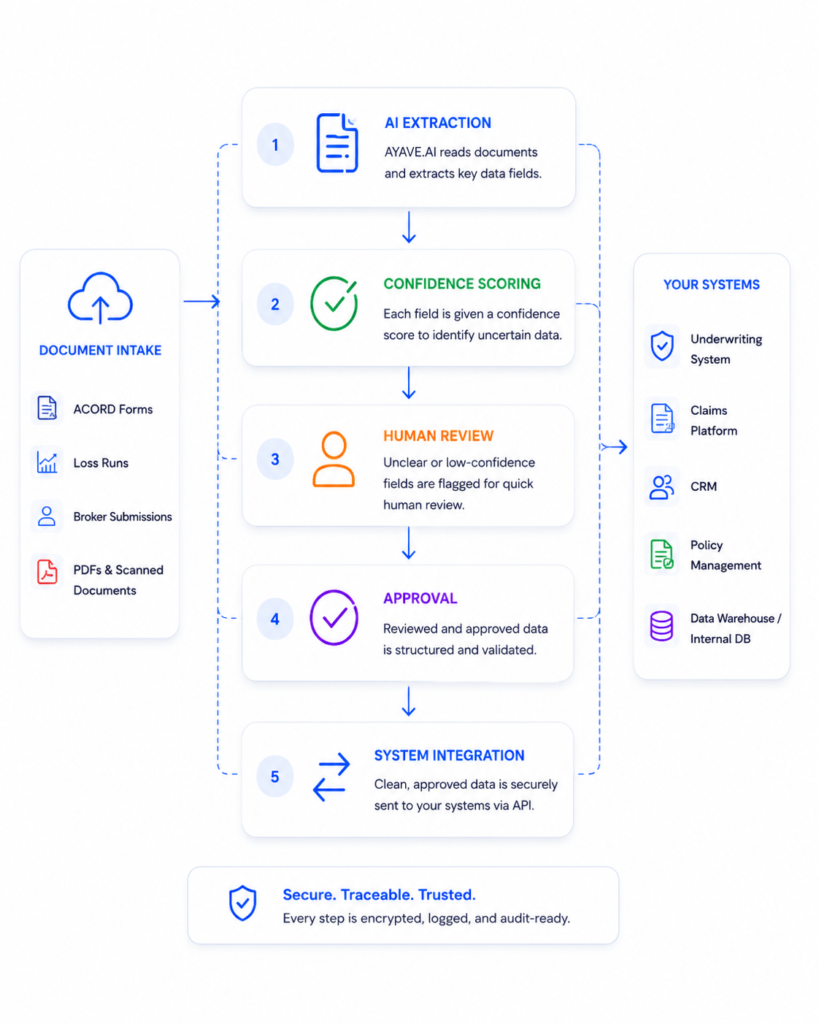
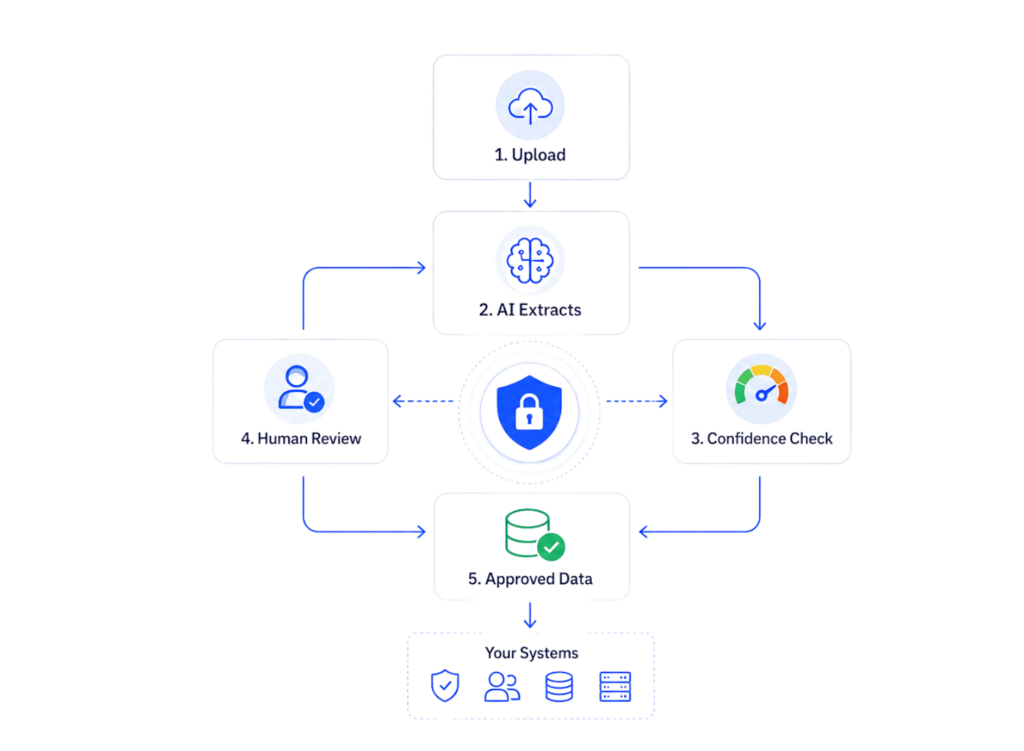
When a document is uploaded, AYAVE.AI starts the AI document capture process. The system reads the file, extracts key data, checks confidence levels, and flags unclear fields for human review. Once approved, the data can be sent into your existing business systems.
01
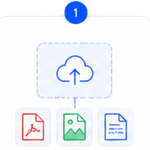
Upload the Document
Upload ACORD forms, loss runs, broker submissions, PDFs, scanned files, images, or supporting documents.
02
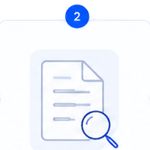
AI Reads the File
AYAVE.AI reads printed text, handwritten notes, tables, dates, policy details, claim values, and key fields.
03
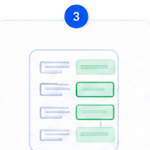
Key Data Is Extracted
Important information is converted into clean, structured digital data your team can use.
04
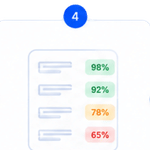
Confidence Scores Are Added
Each extracted field gets a confidence score, so your team can see what is reliable and what may need checking.
05
Human Review Happens When Needed
Unclear, incomplete, or low-confidence fields are sent to approved reviewers before the data is finalized.
05
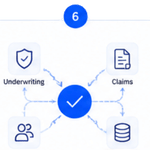
Approved Data Moves to Your Systems
Reviewed data can be sent into underwriting, claims, CRM, policy, AMS, or internal systems through API integration.
From Document Upload to System-Ready Data
WHAT HAPPENS AFTER YOU UPLOAD A DOCUMENT?
The user should quickly understand that AYAVE.AI does not just store the document. It reads it, extracts the data, checks accuracy, allows human review, and prepares the final data for system update.

Save Hours Manual Work

Improve Accuracy Data Quality

Human in the Loop

Secure Traceable Audit Ready

How Does Approved Data Reach Your Existing System?
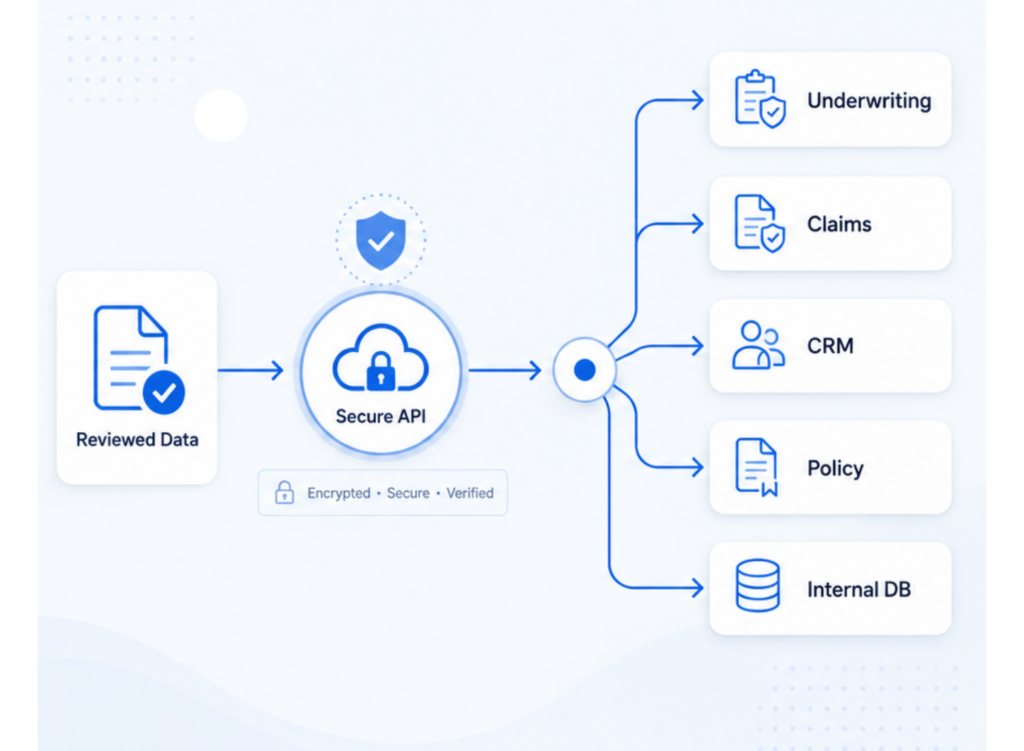
After AI extracts the data and your team reviews it, AYAVE.AI can send the approved information into your existing systems through secure API integration.
Your team does not need to copy and paste data from documents into different systems manually.
AYAVE.AI helps move clean, reviewed data into the tools your team already uses, such as underwriting systems, claims platforms, CRM, policy systems, AMS, or internal databases.

AI reads the documents, checks the data, and sends it straight to your systems—no manual typing required
Safe and Controlled
Yes. AYAVE.AI is designed so document data does not move blindly from AI into your systems. The data is extracted, checked, reviewed when needed, and approved before it moves forward.

AI extracts first

Confidence check

Humans review

Approved data only

Move faster without losing control of sensitive document data.
How AI Document Capture Solution Turns Documents into Clean Data
See how AYAVE.AI reads scanned forms, extracts key information, flags unclear fields, and moves approved data into your business systems.
Simple Process. Less Manual work. Faster Decisions..

Save Time
Automate document reading and data entry in minutes, not hours.

Improve Accuracy
AI-powered extraction reduces errors and improves data quality.
Ensure Compliance
Maintain audit-ready records and support regulatory requirements.

Seamless Integration
Send approved data to your core systems without disruption.